Unified Workplace Assistant
Microsoft Unifies Copilot With New Coding and Automated Workplace Tools
Anonymous
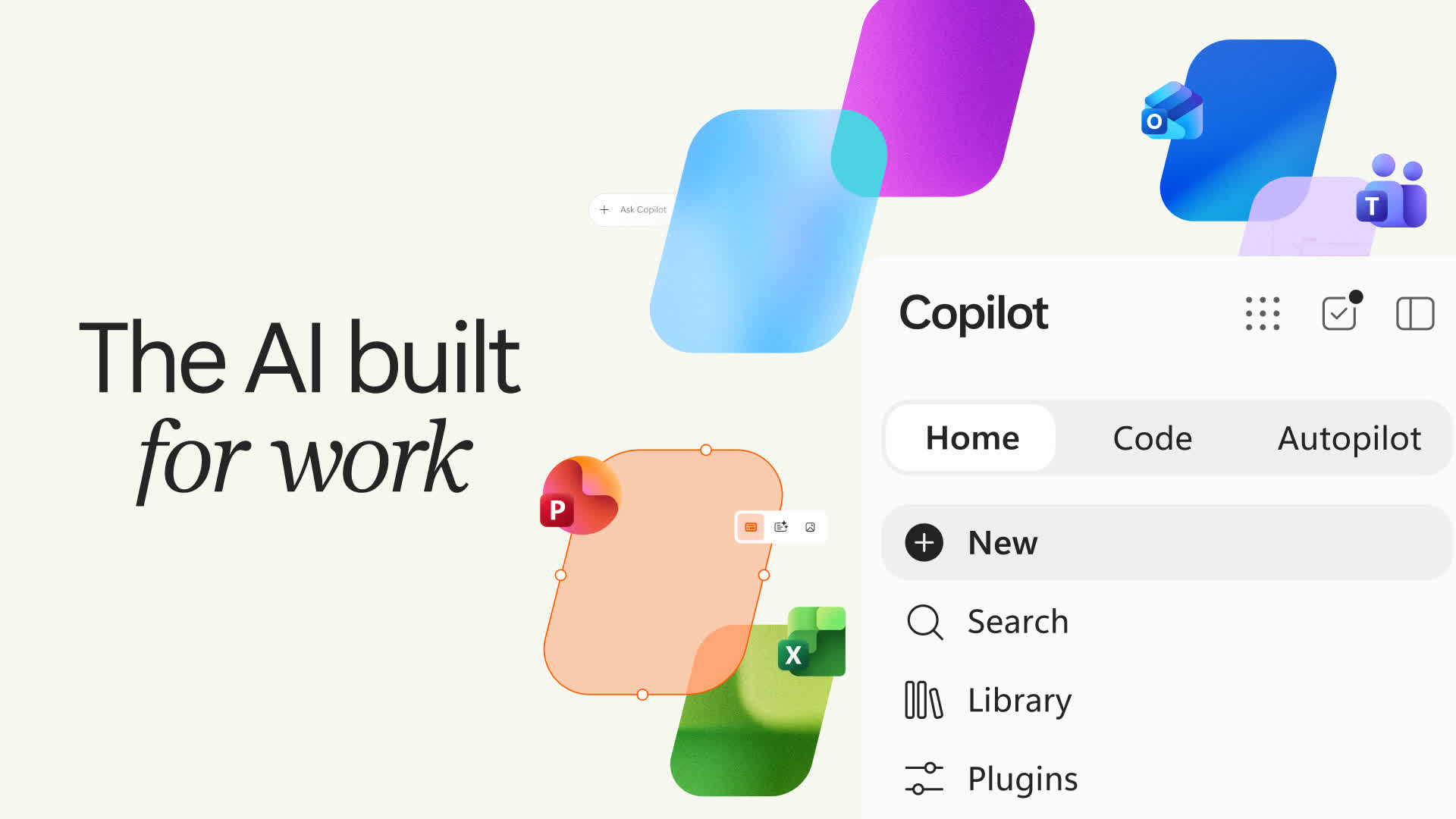
Excel is increasingly used as an automated application platform, with structured workbooks supporting safe data entry and advanced functions such as scheduling and dashboards. Developers are also building AI assistants that turn natural-language requests into validated Excel operations, while open-source projects such as GenOffice focus on making AI-enabled office software more reliable and secure. Microsoft has redesigned Copilot as a unified workplace assistant, bringing Chat and Cowork together in Home and adding access to Word, Excel and PowerPoint tasks. Its Code section supports app-building and workflow automation, while Autopilot, formerly Scout, is designed to handle recurring tasks and multi-step projects in the background. Microsoft says the features will roll out in stages through its Frontier program and previews as it competes with AI offerings from Anthropic and OpenAI.
Key Points
1
An Excel-based open-source tool called ProjectEngine goes beyond basic date calculations: it supports multiple task-dependency types and lags, calculates critical paths and schedule float, and lets users test scenarios by moving tasks on a Gantt chart. Its developer says it is intended for teams working in Excel, not as a replacement for broader enterprise tools such as Microsoft Project or Primavera P6.
2
Microsoft says a forthcoming Copilot update will route work to Chat, Cowork or Code automatically, so users will not need to choose a mode. CEO Satya Nadella described the broader ambition as “building Copilot as a new OS for work that spans every model, every form factor and every task.”
3
Autopilot is designed to run in the cloud and continue working while a user is away; the article says it can handle recurring work, follow up on conversations and complete multi-step projects, while appearing in apps such as Outlook and Teams and keeping users informed about its activity.
4
Microsoft is also previewing Today, a personalized command center that surfaces priorities and catches users up across calendars, email, tasks and Teams chats; it can also prepare work such as a proposed schedule or draft email.
Sentiment
Mostly PositiveNEGATIVENEUTRALPOSITIVE
Publishers
56
Articles
74
Reach
130
A
AnonymousAuthor


